Capture anything
Record up to 30 seconds from your input, resample what Clay is playing, or import audio, then play it from the on-screen keys or MIDI.
Capture sounds, turn them into playable instruments and sequence them alongside effects and parameter changes.
Coming soon to the App Store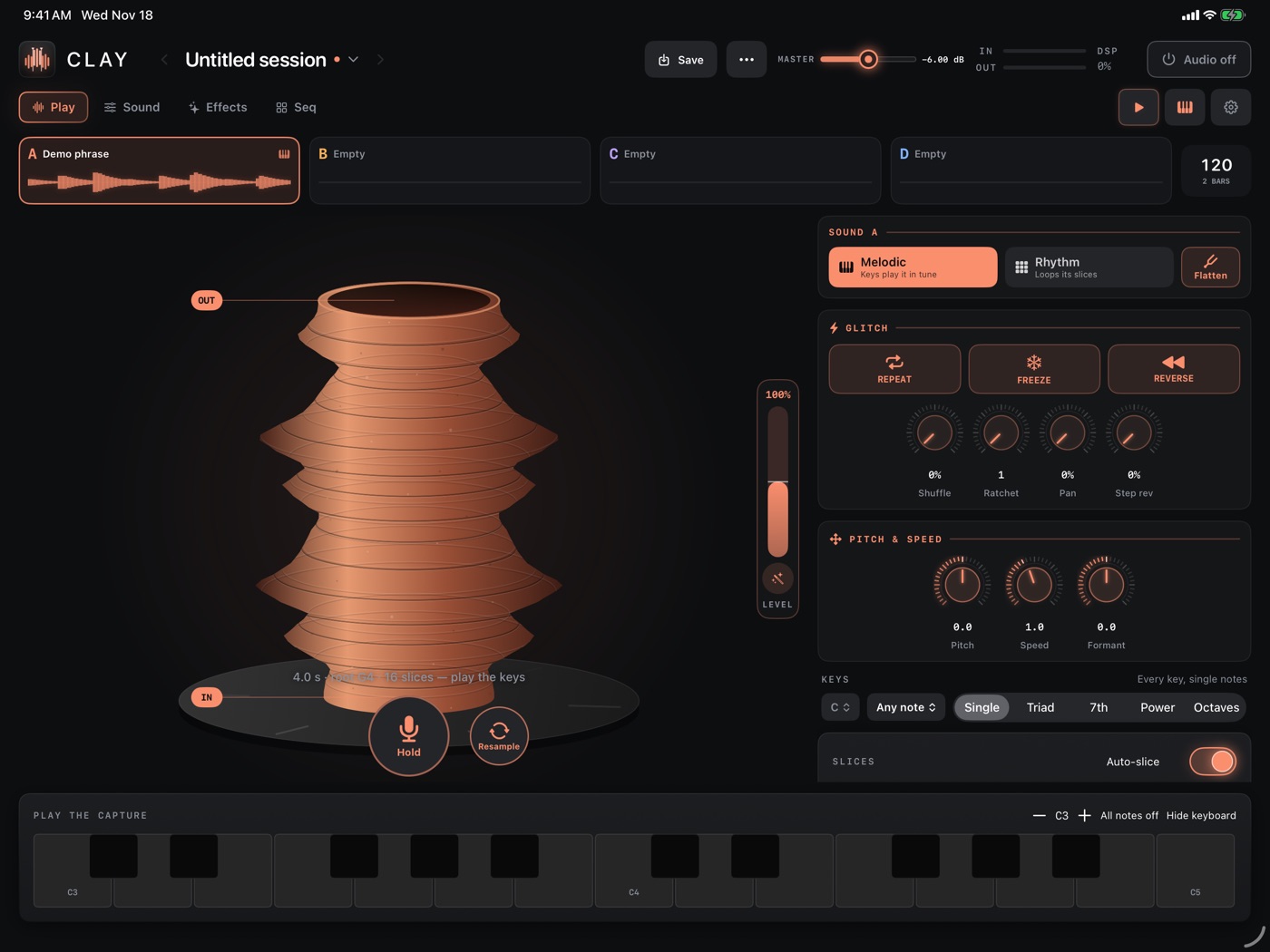
Record up to 30 seconds from your input, resample what Clay is playing, or import audio, then play it from the on-screen keys or MIDI.
Each layer takes a shape: Keys, Pad, Chop, Groove, Choir or Glitch, with morphing between shapes. Keyboard harmonies keep formants natural and stay in the key and scale you choose.
Loop and transient slicing with a piano-roll pattern sequencer, pitch flattening to turn a phrase into a one-note sample, and stutter, scatter, crush and ring-mod with XY control.
Four LFOs, an envelope, eight scenes with A/B morph, saved sessions you can export as .clay files, and an AUv3 instrument for your host. Requires iOS or iPadOS 17 or later.